
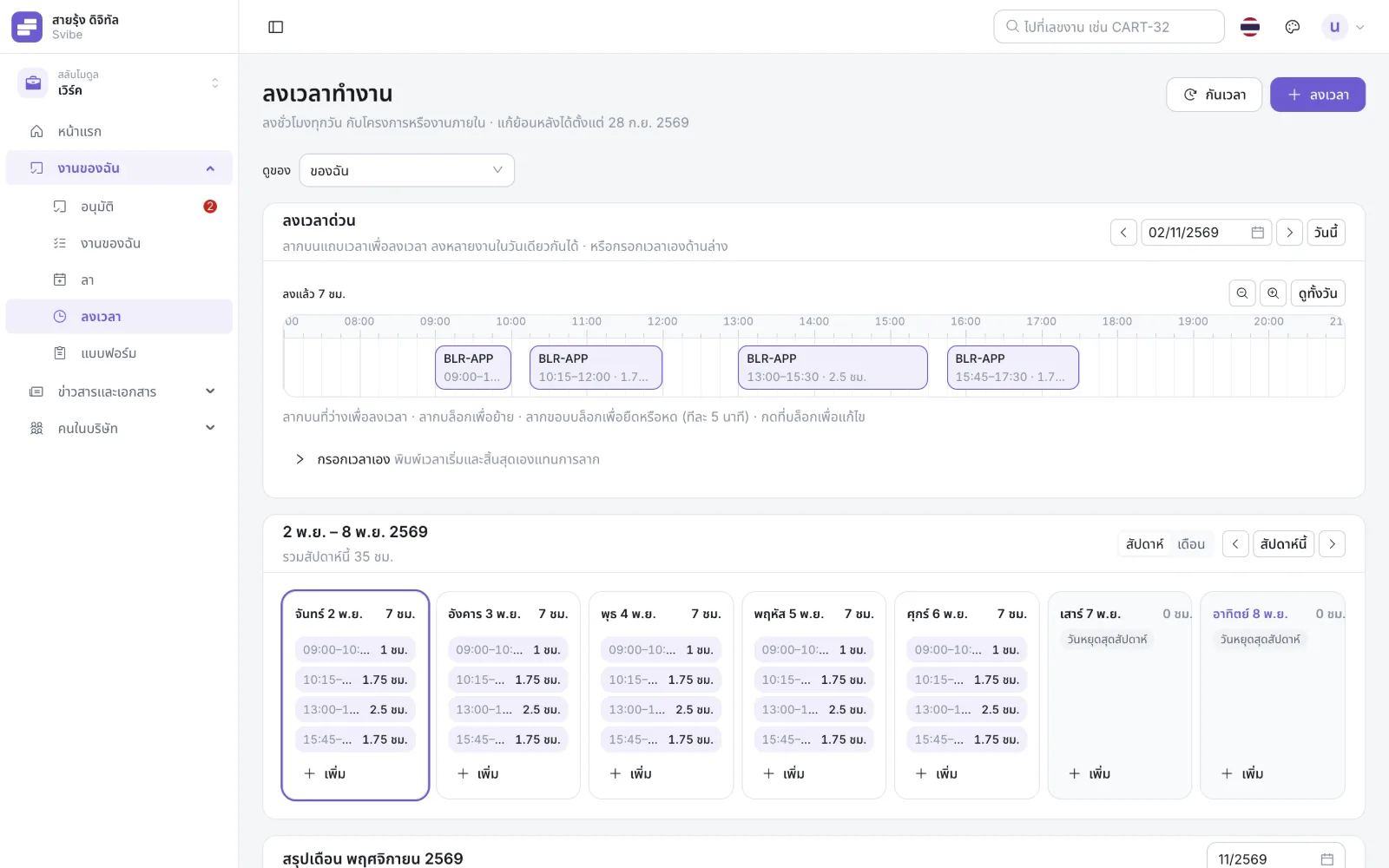
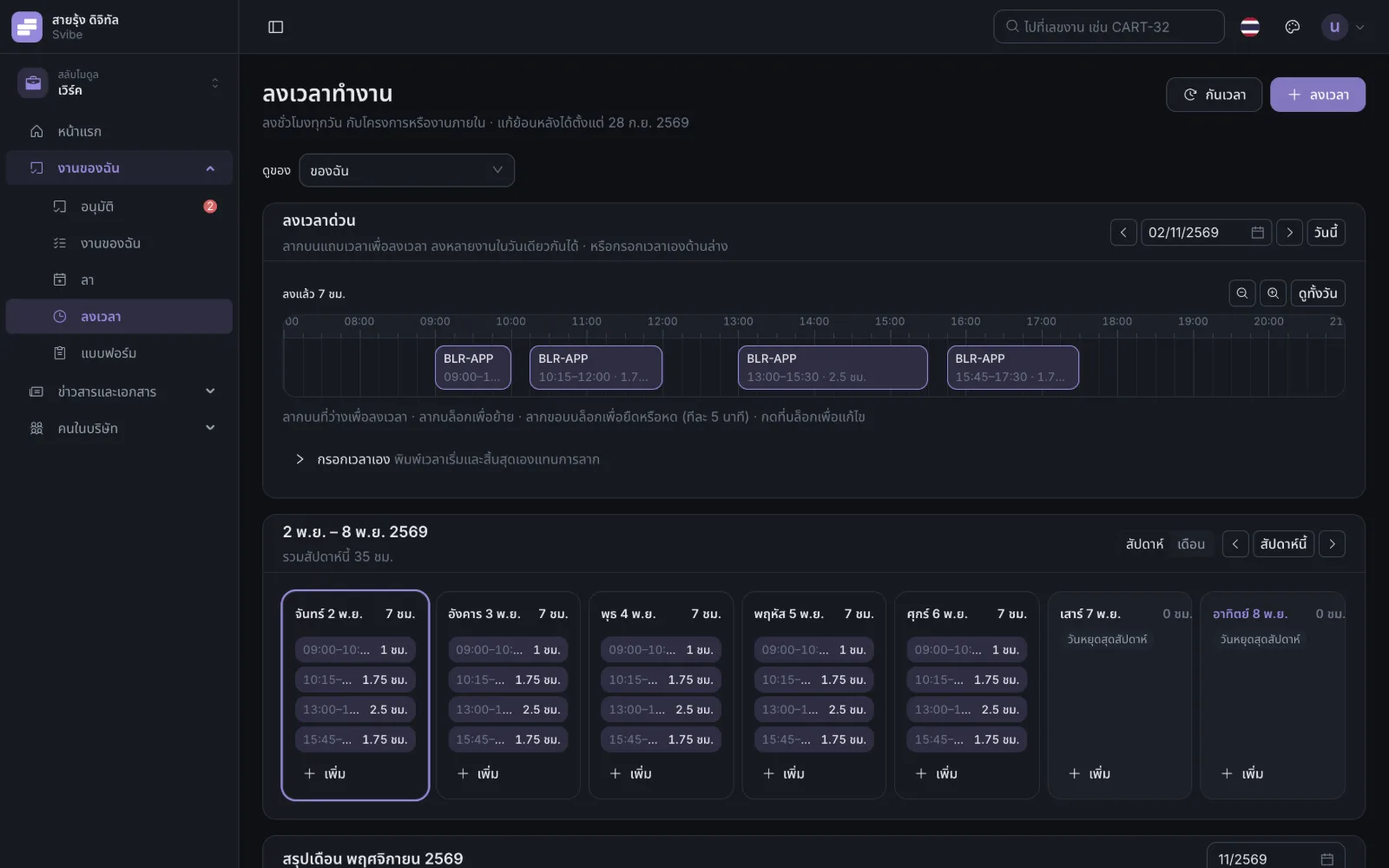
Drag on the day, instead of typing hours
Drag to create, move or stretch a block in 5-minute steps. Overlaps are stopped on screen. Week and month views.
Leave, approvals, timesheets, project plans, payslips, ISO forms — even thanking a colleague. What used to be scattered across spreadsheets, chat groups and email now lives in Svibe, on the web and on the phone.
Your company creates your account. Sign in with your work email — no sign-up needed.
Every picture on this page is a real Svibe screen with a made-up company’s data. Each company turns on only the areas it uses.
Drag to create, move or stretch a block in 5-minute steps. Overlaps are stopped on screen. Week and month views.
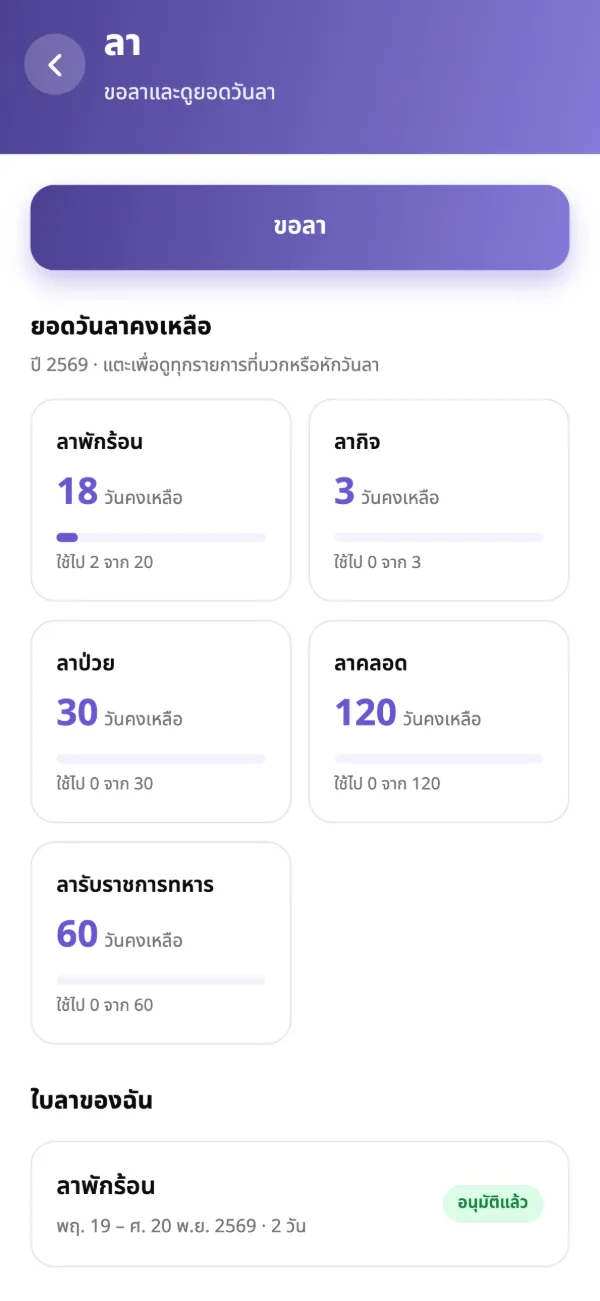
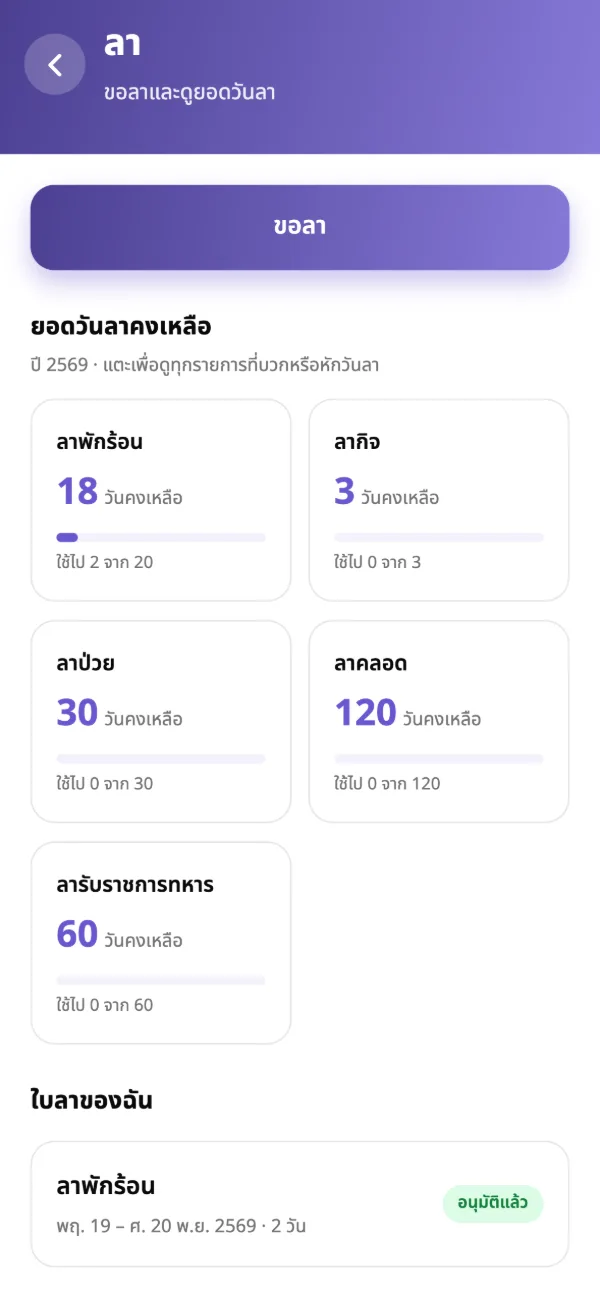
Requests reach whoever must approve them, in the order your company set. Every leave balance at a glance.
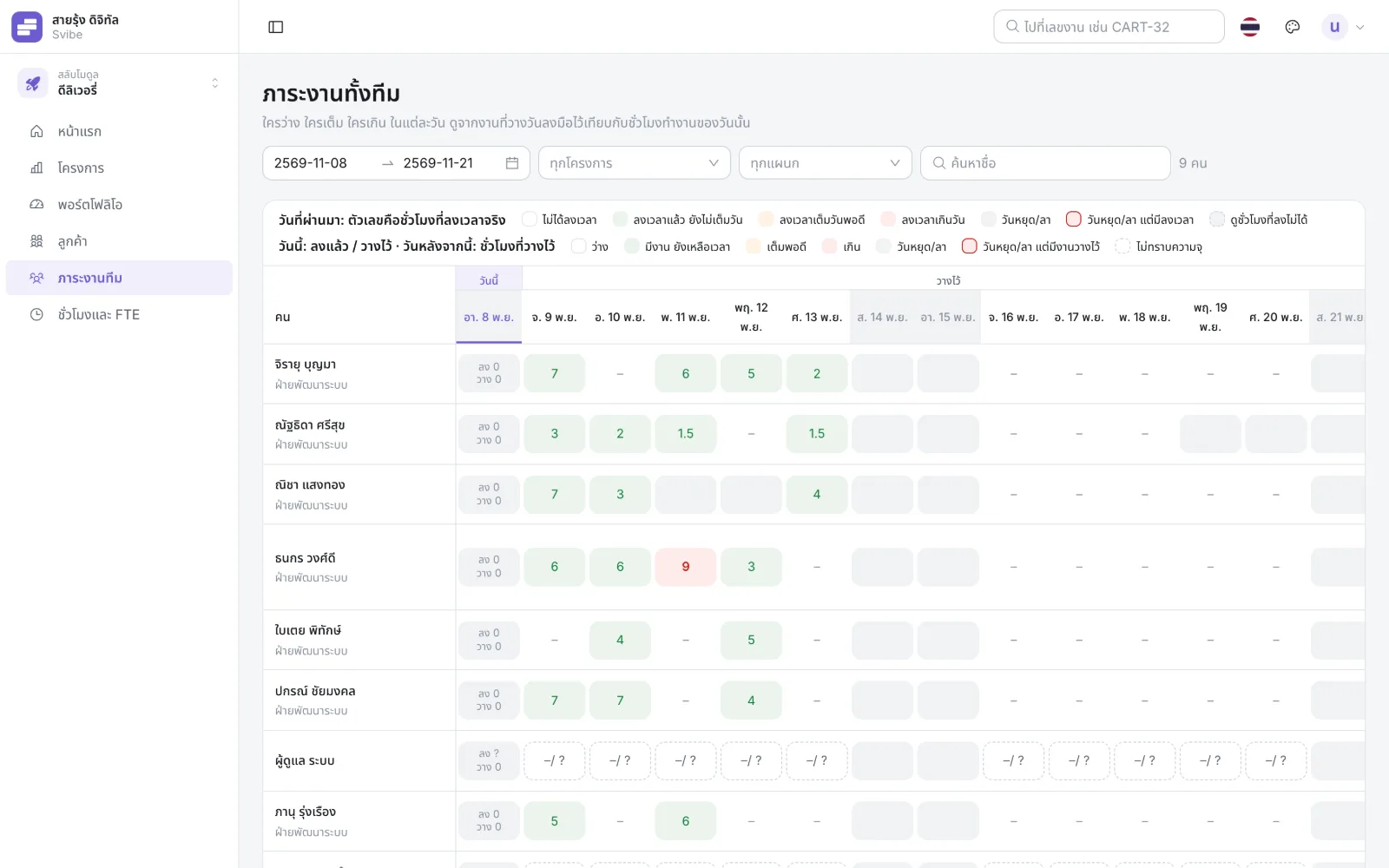
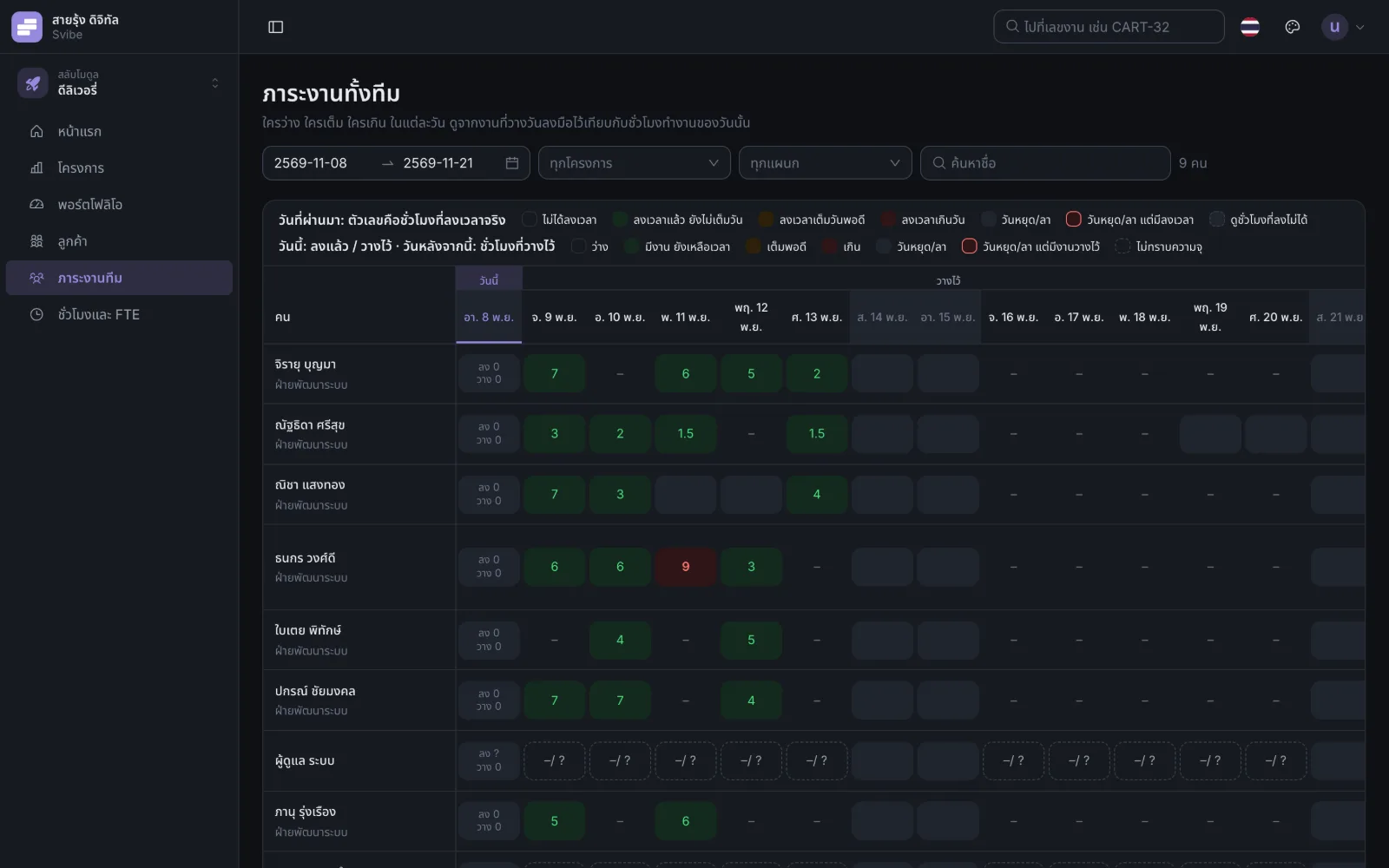
People in rows, days in columns, from planned work, holidays and approved leave. Assign work to a full day and Svibe warns you at once.
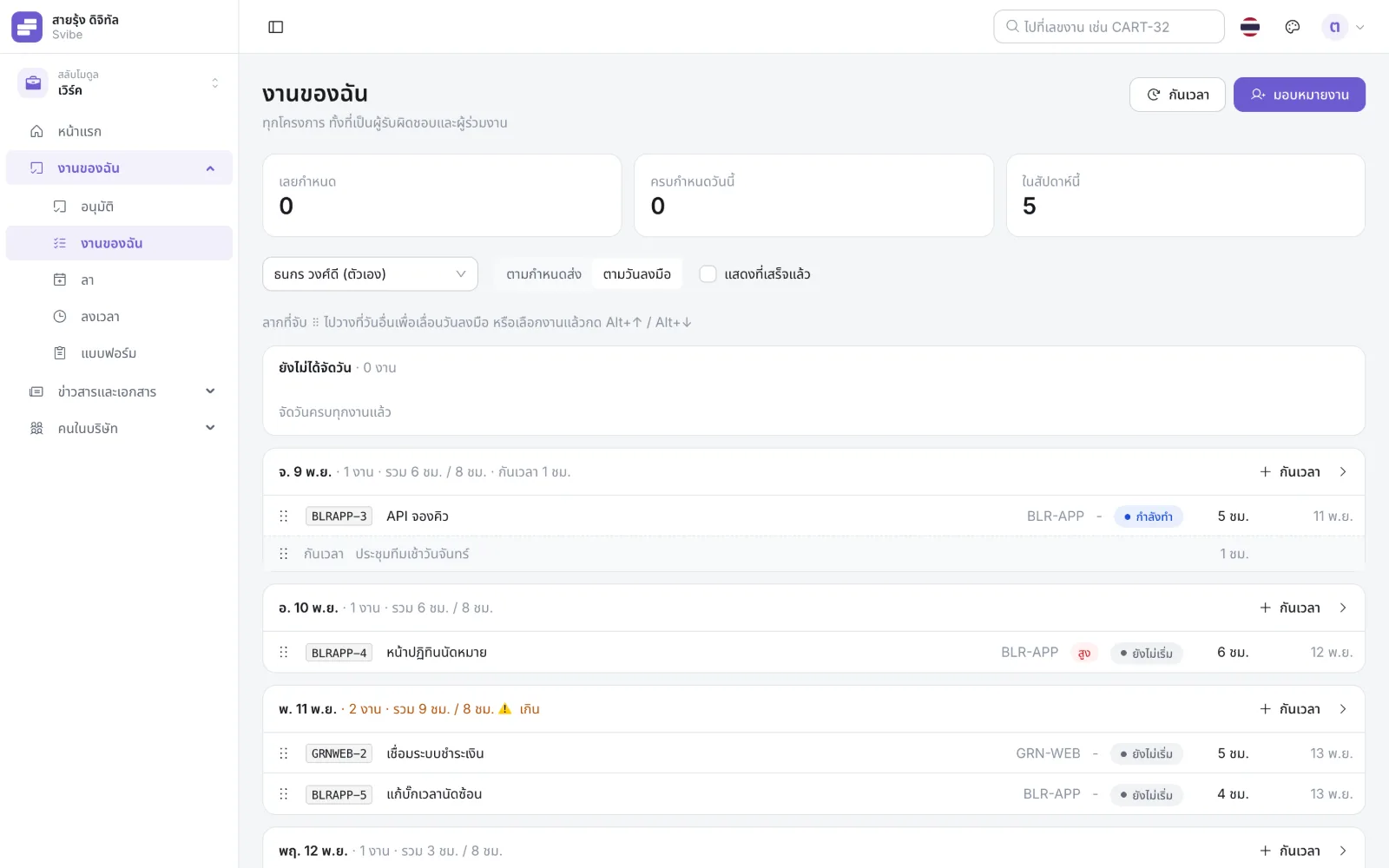
Every task from every project, grouped by the day you plan to do it, with estimated hours against the time you have.
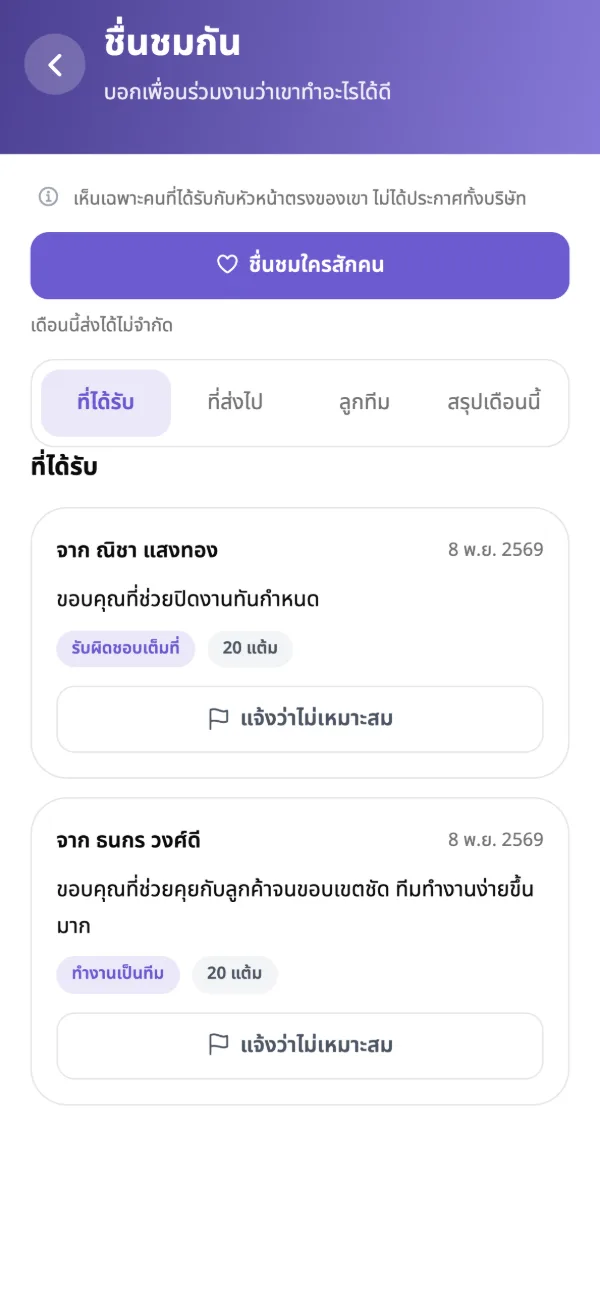
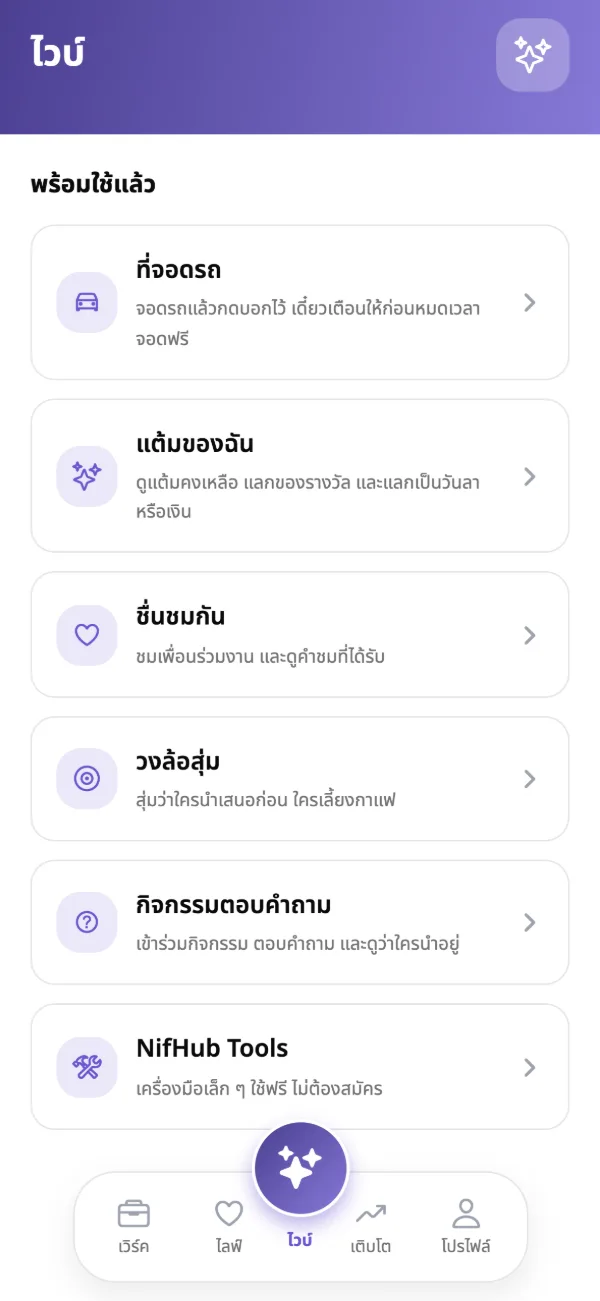
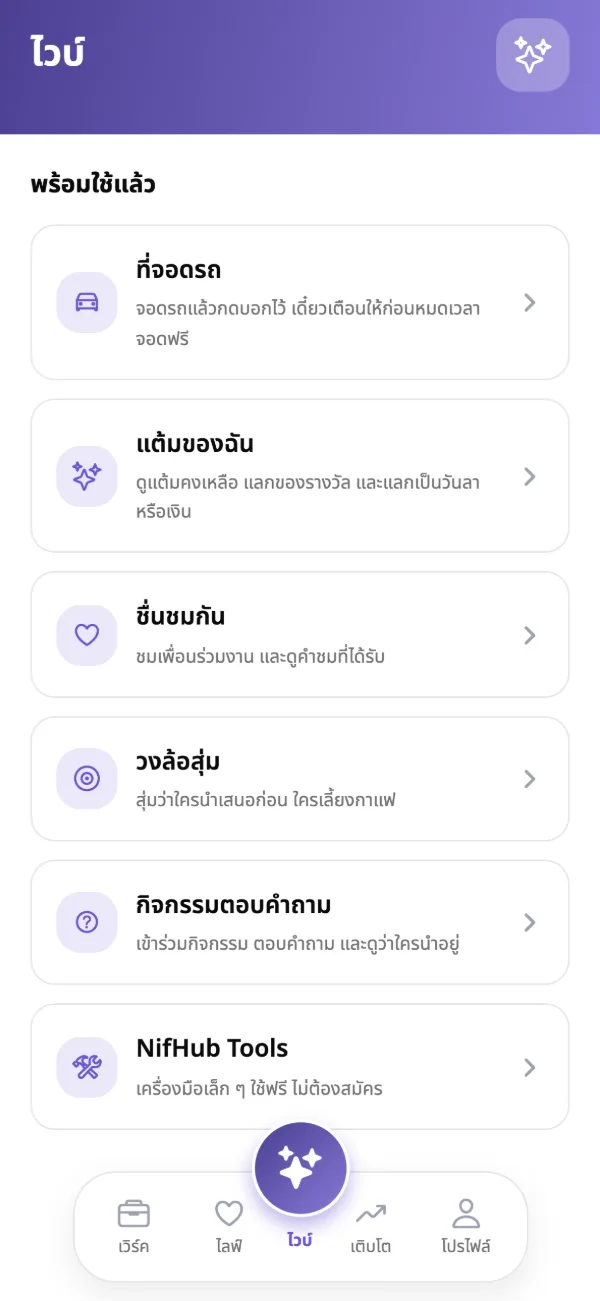
Thank colleagues against your company’s values, collect points for rewards, spin the prize wheel and play live quizzes.
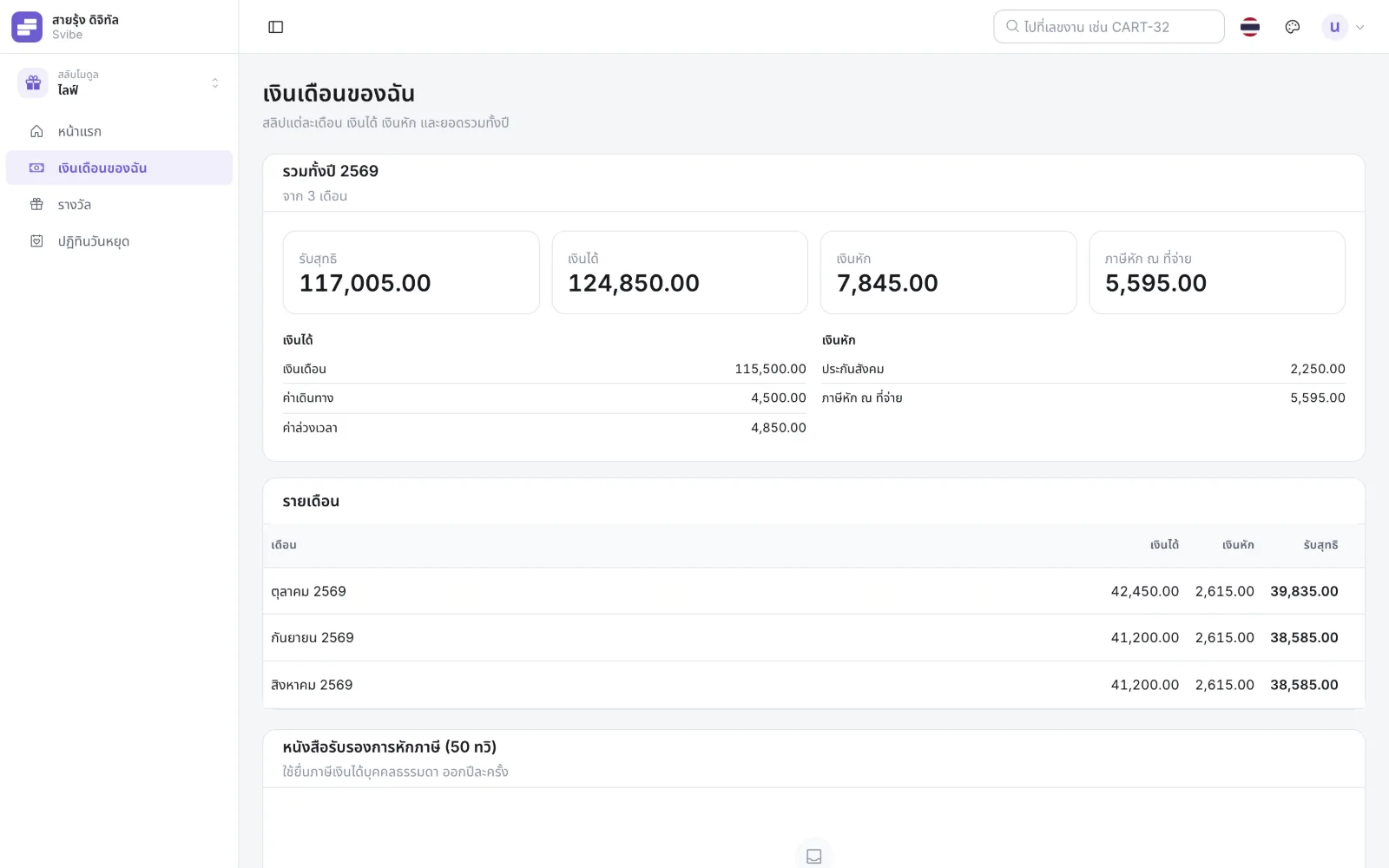
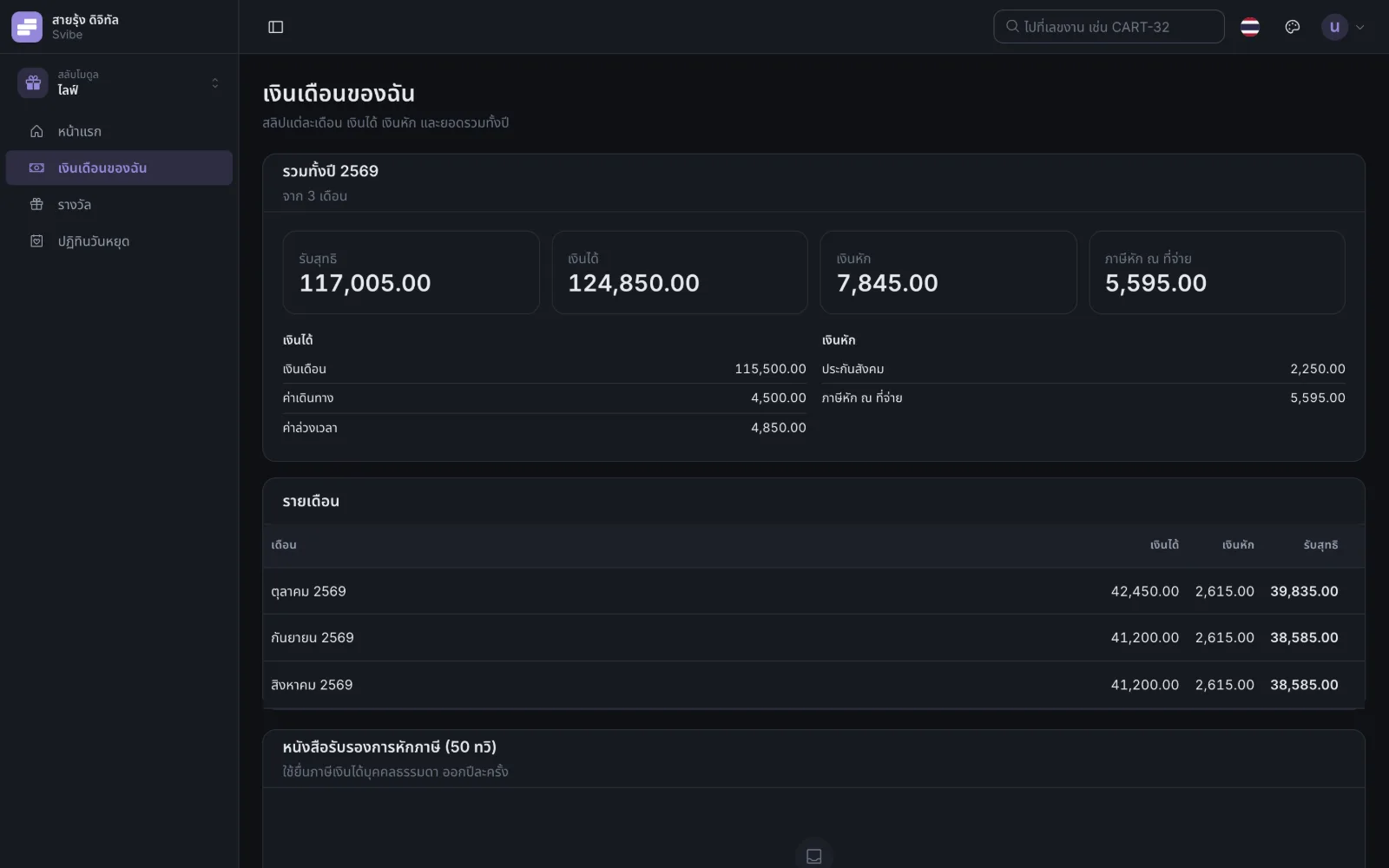
Open any month yourself, with the year’s totals and tax certificates. Only you and payroll can see them.
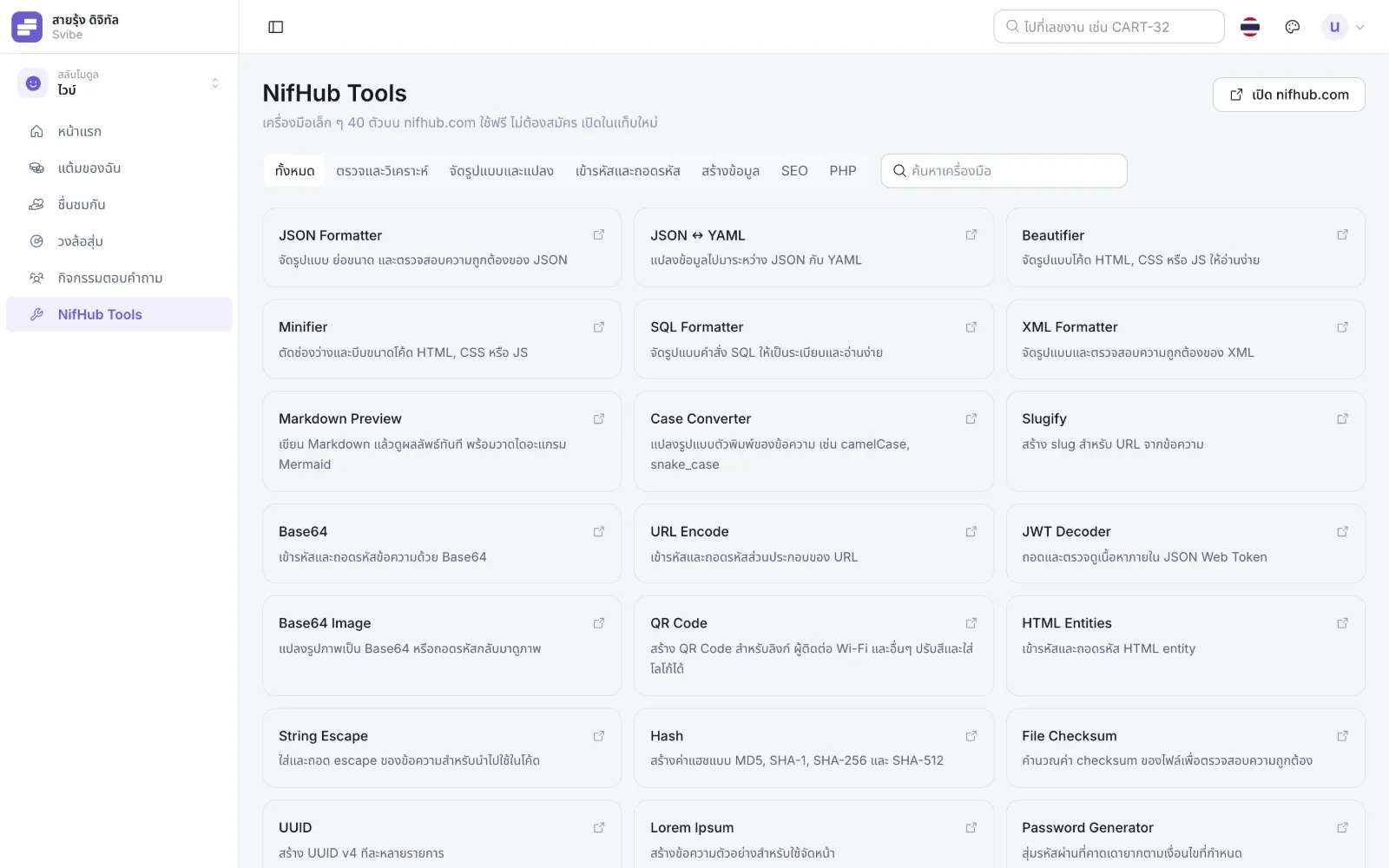
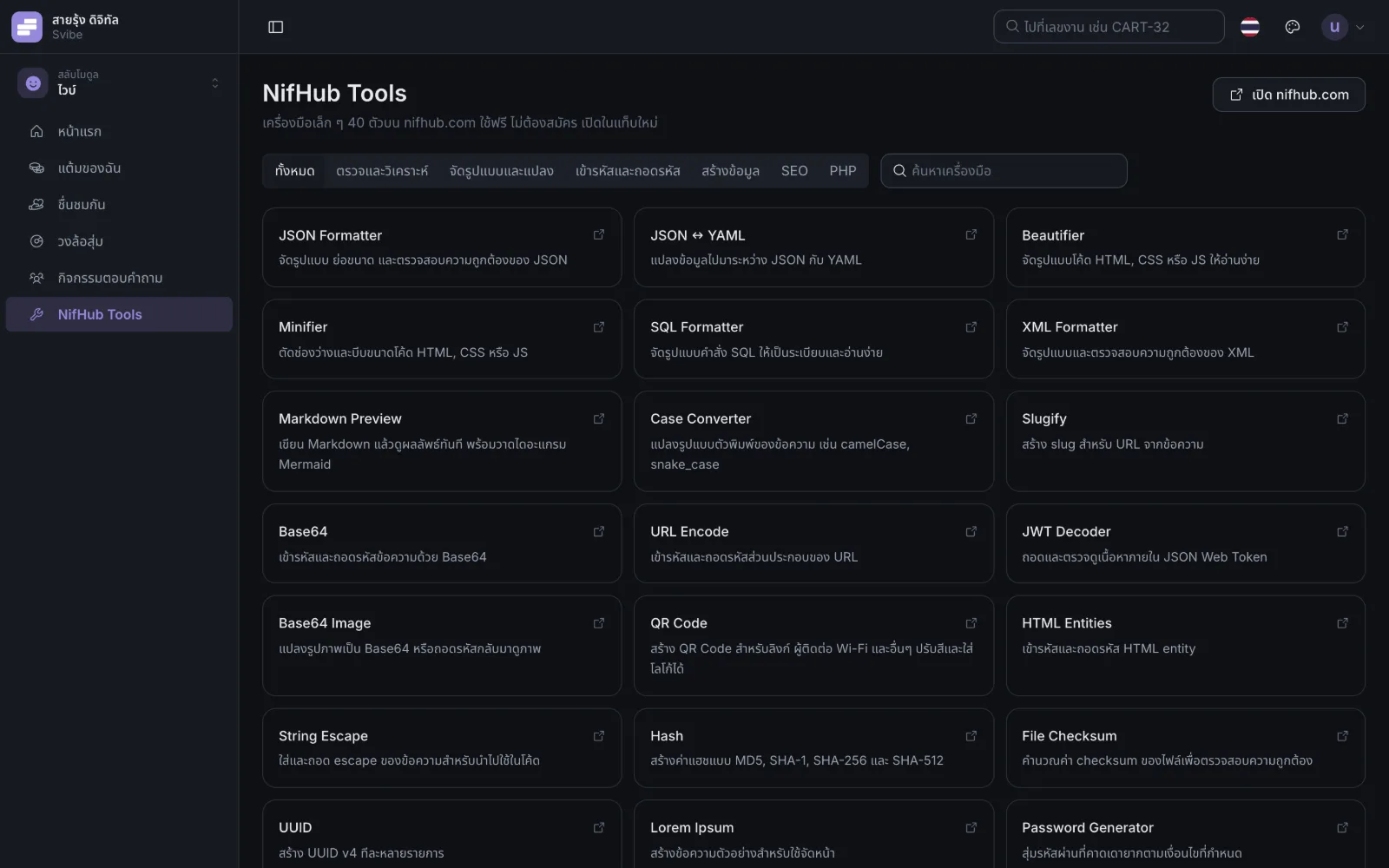
Shortcuts to 40 small tools on nifhub.com, searchable by category, on the web and on the phone.
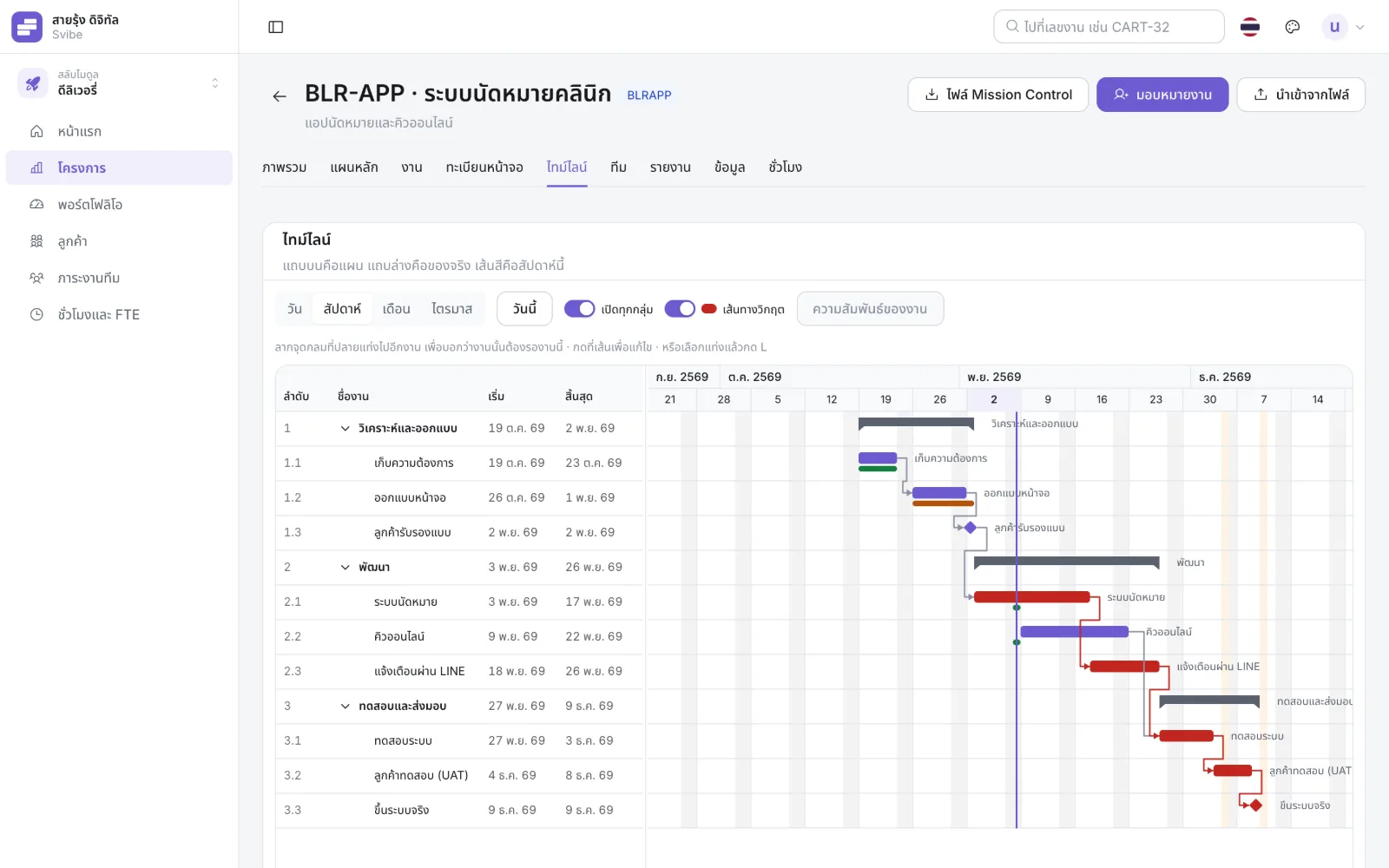
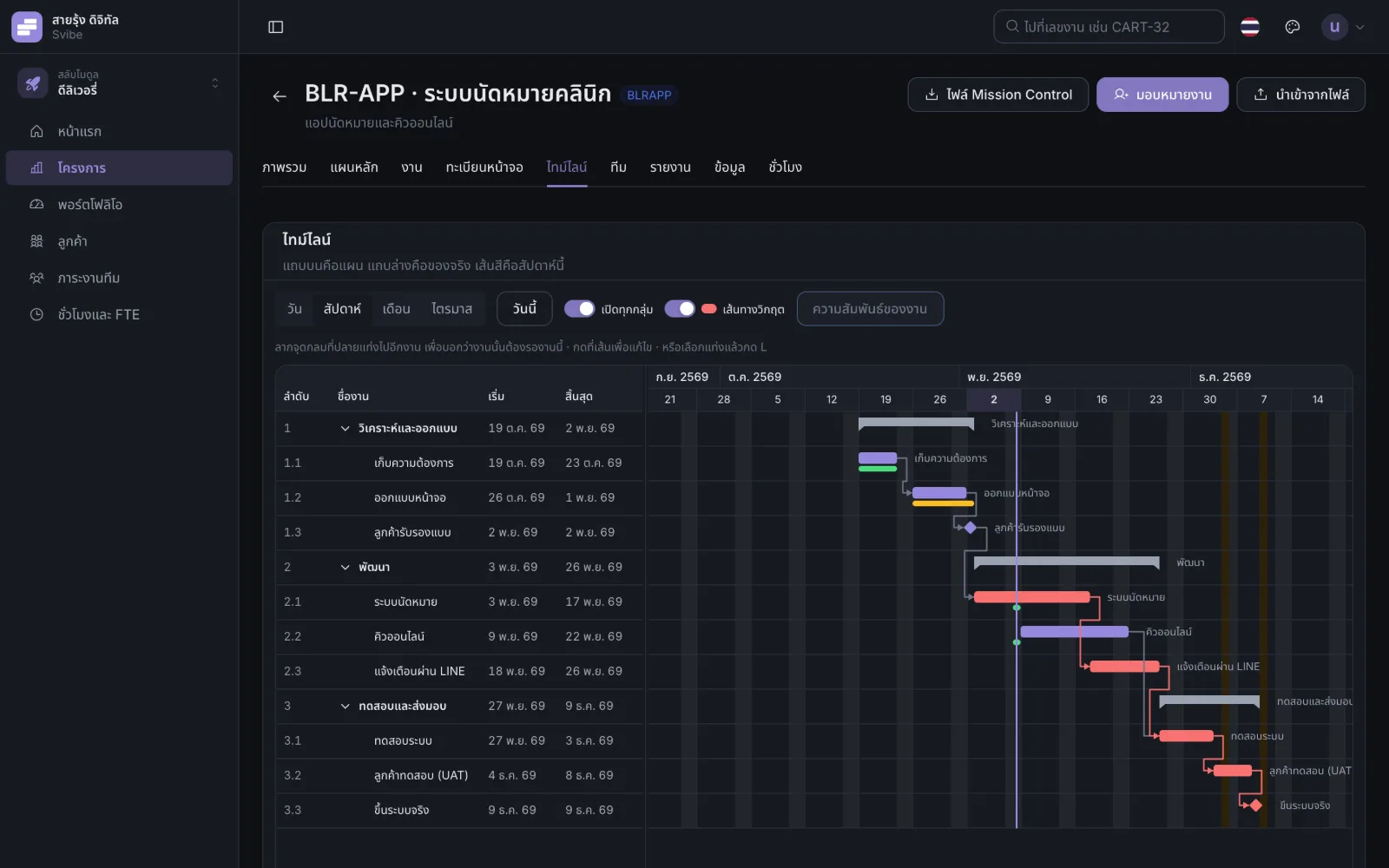
Break big work down as deep as you need, with automatic numbering. Link tasks that wait for each other; waiting tasks move by themselves, and the critical path turns red.
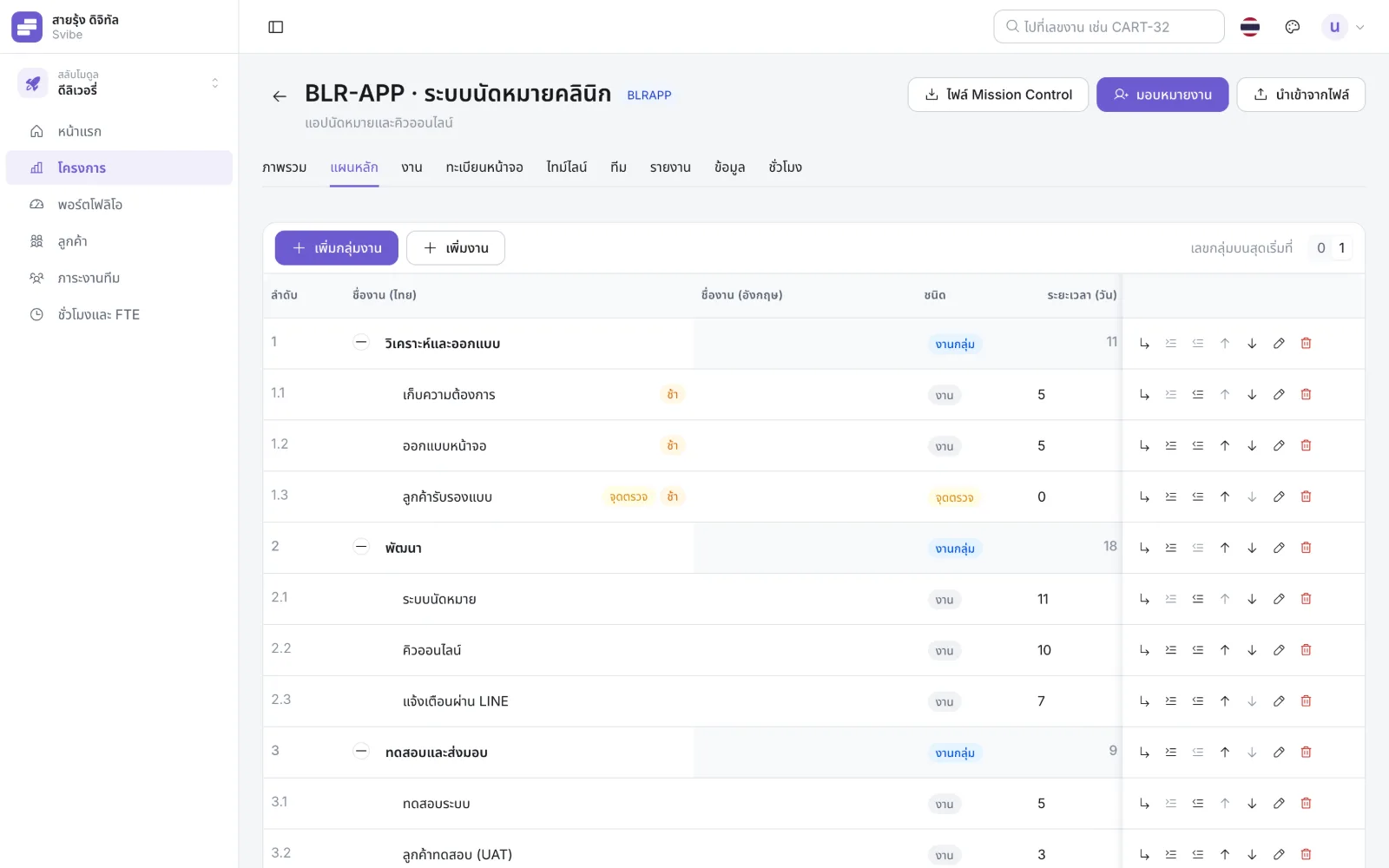
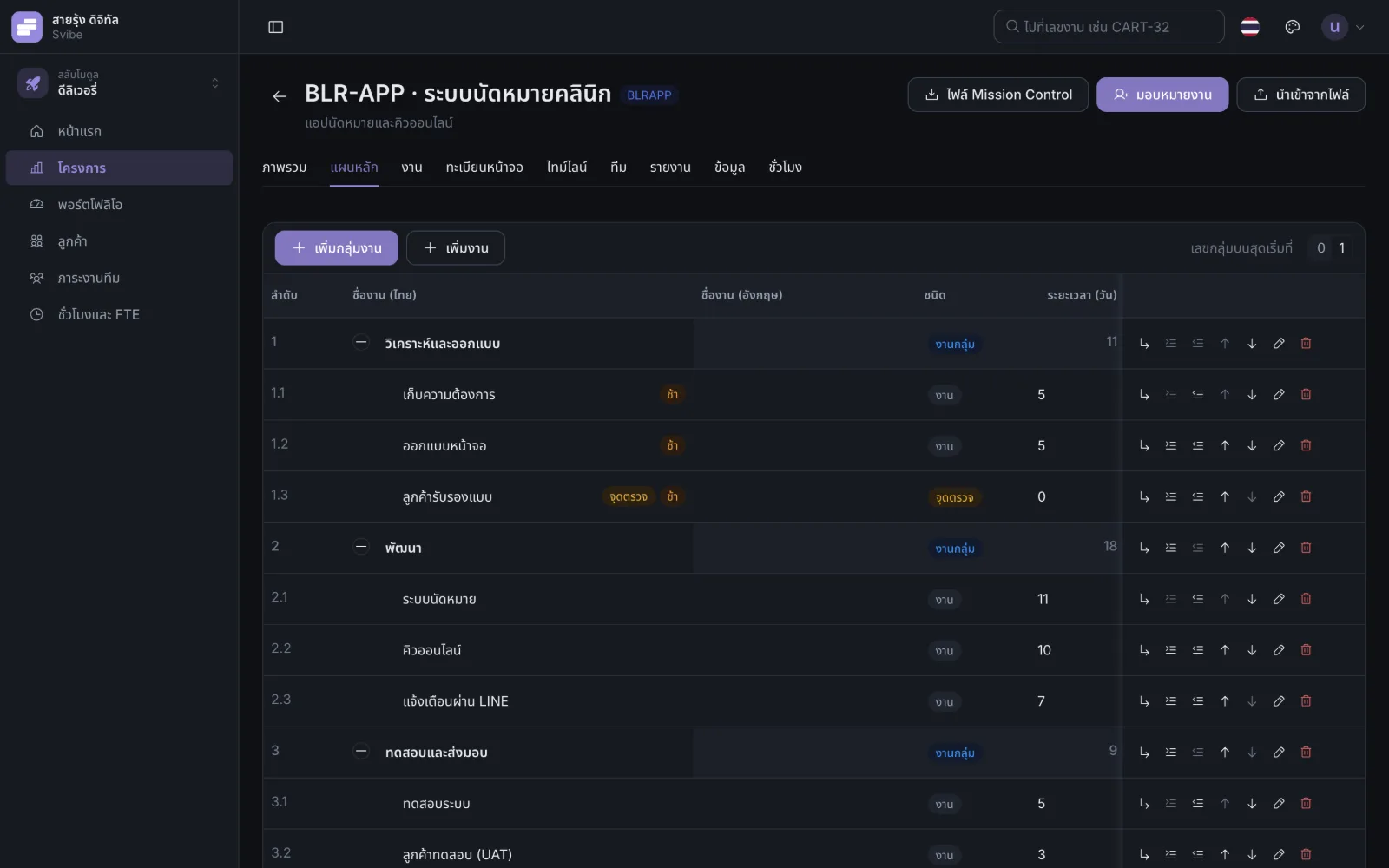
Do the full job on a computer, finish it in a few taps on the phone. One account, the same access everywhere.
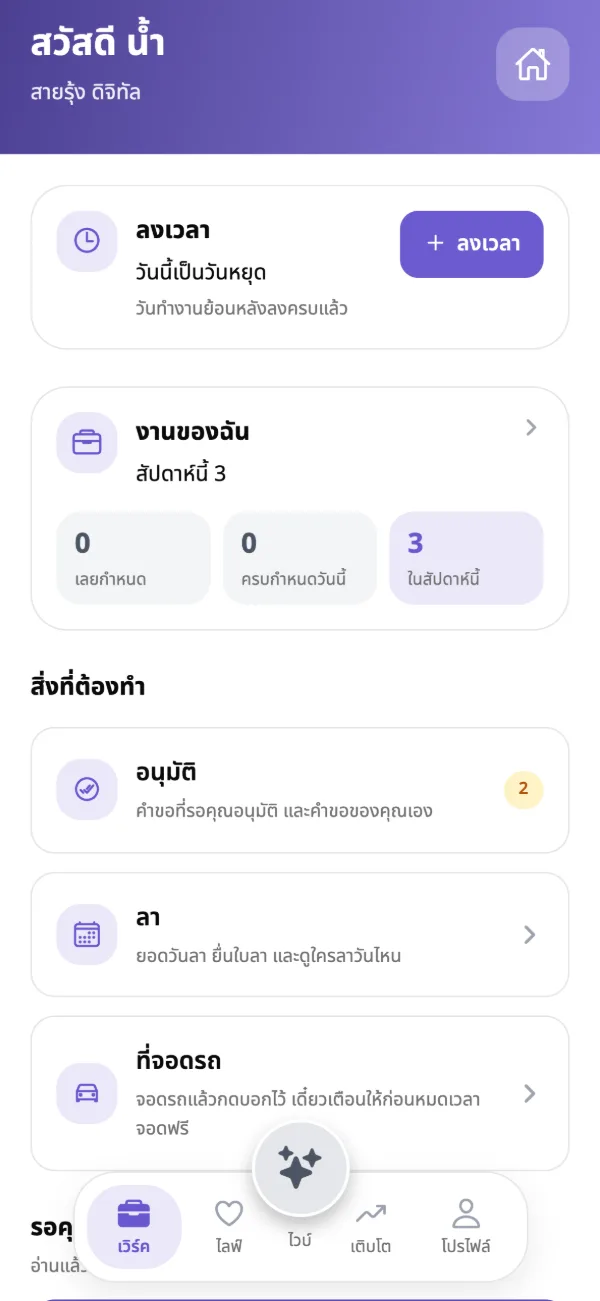
Svibe does not sell data, show ads, or track you across other apps or websites.
The database runs on servers in Thailand; files are stored, encrypted, in the Bangkok region.
Other companies on Svibe cannot see your company’s data.
Pay is visible only to you and payroll, and every look is recorded.
An email code, a password, or your device’s passkey.
Shortcuts to 40 tools on nifhub.com from the Vibe menu, on the web and the phone.
3.3.07 Nov 2026A notification when a reward arrives; tap it for your rewards, with confetti.
3.1.06 Nov 2026Link tasks that wait for each other; they move together, and the critical path shows.
Download the app and sign in with the email your company registered for you. Your sign-in code goes to that email.